Web Experts Tokenprint ← Back to Tokenprint
Built to be given away

Share Tokenprint

Tokenprint only helps if people find it. There are two ways to pass it on, and both take under a minute. Pick whichever fits how you post.

OPTION 1 · EASIEST

Just share the link

Paste webexperts.com/tokens anywhere: Bluesky, LinkedIn, a group chat, an email. Most platforms automatically show our preview card with the link. Nothing to download, nothing to attach.

OPTION 2 · THIS PAGE

Post the card yourself

Download the image below and attach it to your post, then include the link. Your post shows the full-size card instead of a small preview, which stands out more in feeds.
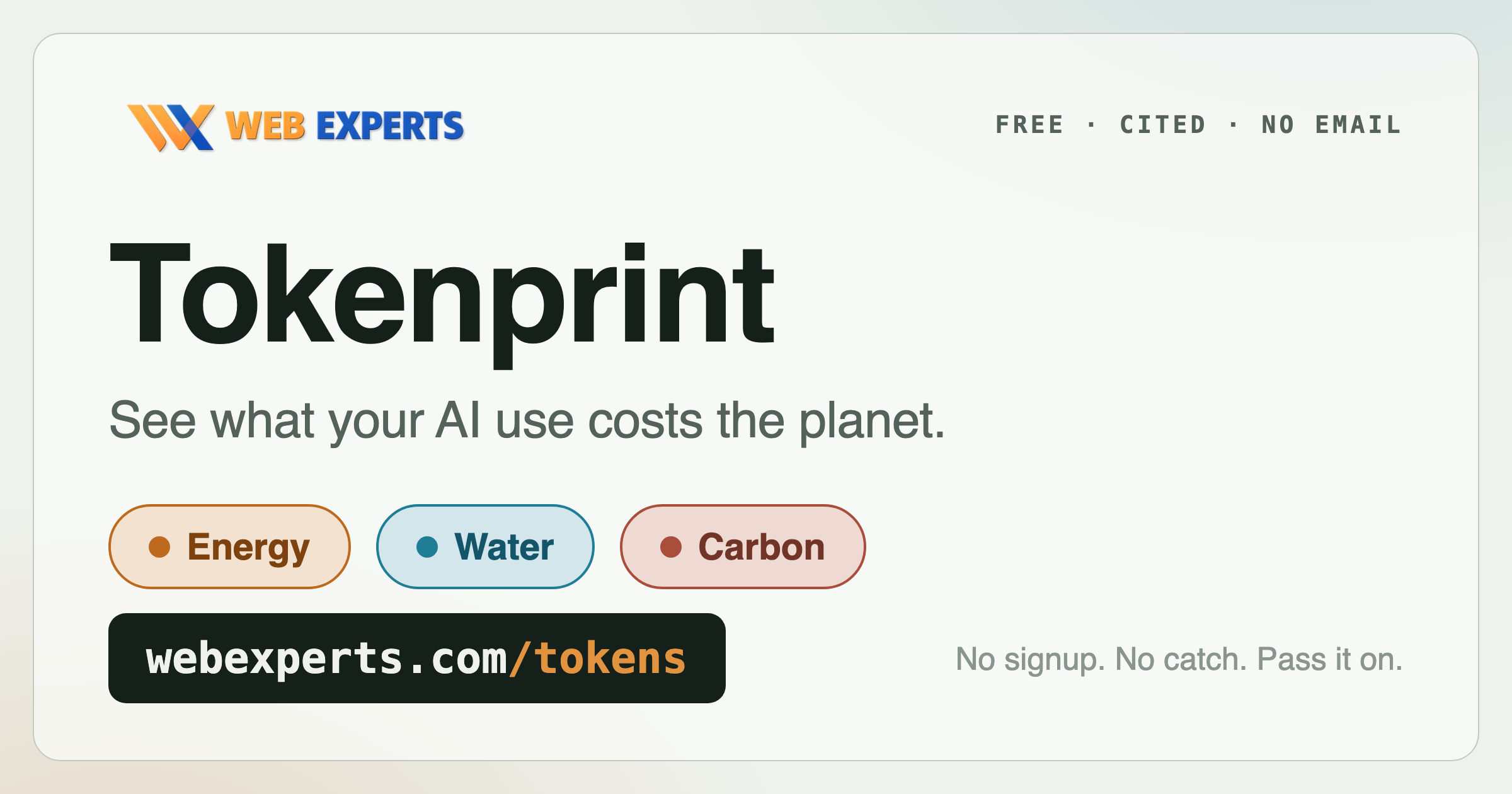

The card

Download the Tokenprint share card

Tokenprint share card: see what your AI use costs the planet. Energy, water, carbon. webexperts.com/tokens
↓ Download the card PNG · 2400×1260 · ~270 KB
How to

On desktop

  1. Click Download the card above (or right-click the image and choose Save Image As).
  2. In your social app, start a new post and attach the image from your Downloads folder.
  3. Paste the link in the post text: https://webexperts.com/tokens
  4. Post it. The card shows big, and the link takes people to the tool.

On mobile

  1. Press and hold the card image above, then choose Save to Photos (iPhone) or Download image (Android).
  2. In your social app, start a new post and add the image from your camera roll.
  3. Paste the link in the post text: https://webexperts.com/tokens
  4. Post it. Done in under a minute.